IMG-001

Proofing Room
Secure gallery access
Project Gallery
Select images by clicking the heart icon. Your selections are saved automatically.

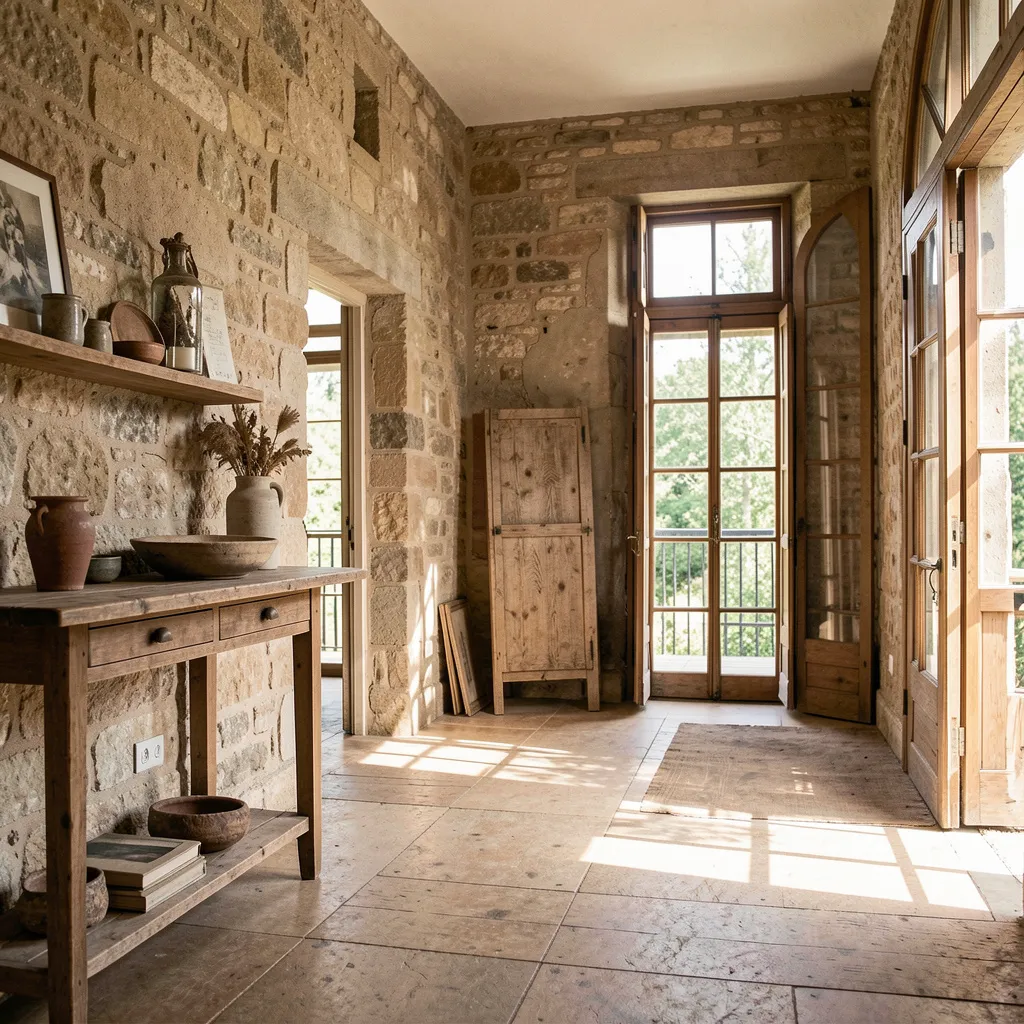
IMG-002

IMG-003

IMG-004
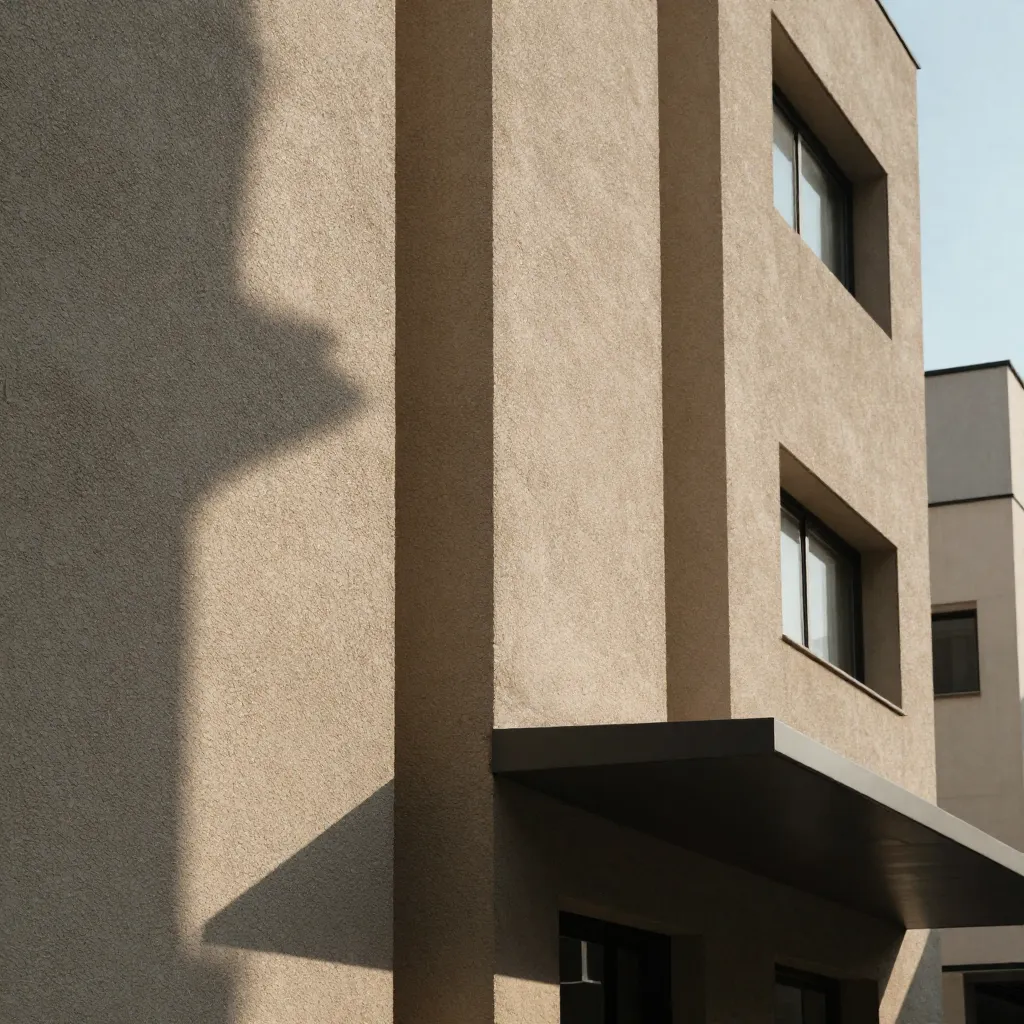
IMG-005
0 images selected

Workflow
Review and selection process
Instructions
Viewing
Browse through your project images in the gallery above. Click on any image to view it in full screen.
Selection
Click the heart icon on images you wish to include in your final selection. Selected images are marked and counted automatically.
Delivery
Once you have made your selections, contact us to proceed with final processing and delivery of your chosen images.

Secure Access
Protected gallery viewing
Questions
If you need assistance with the selection process or have questions about your project, please reach out.
Contact Support